Time tracking without the friction: a guide for teams that bill by the hour
Why teams hate time tracking
The problem with most time tracking tools is they're separate from the work. You finish a task in your project tool, then context-switch to a different app to log time. Half the team forgets. The other half batch-logs on Friday from memory.
The data is garbage. The reports are useless. The whole exercise becomes theater.
A better way: tracking where the work happens
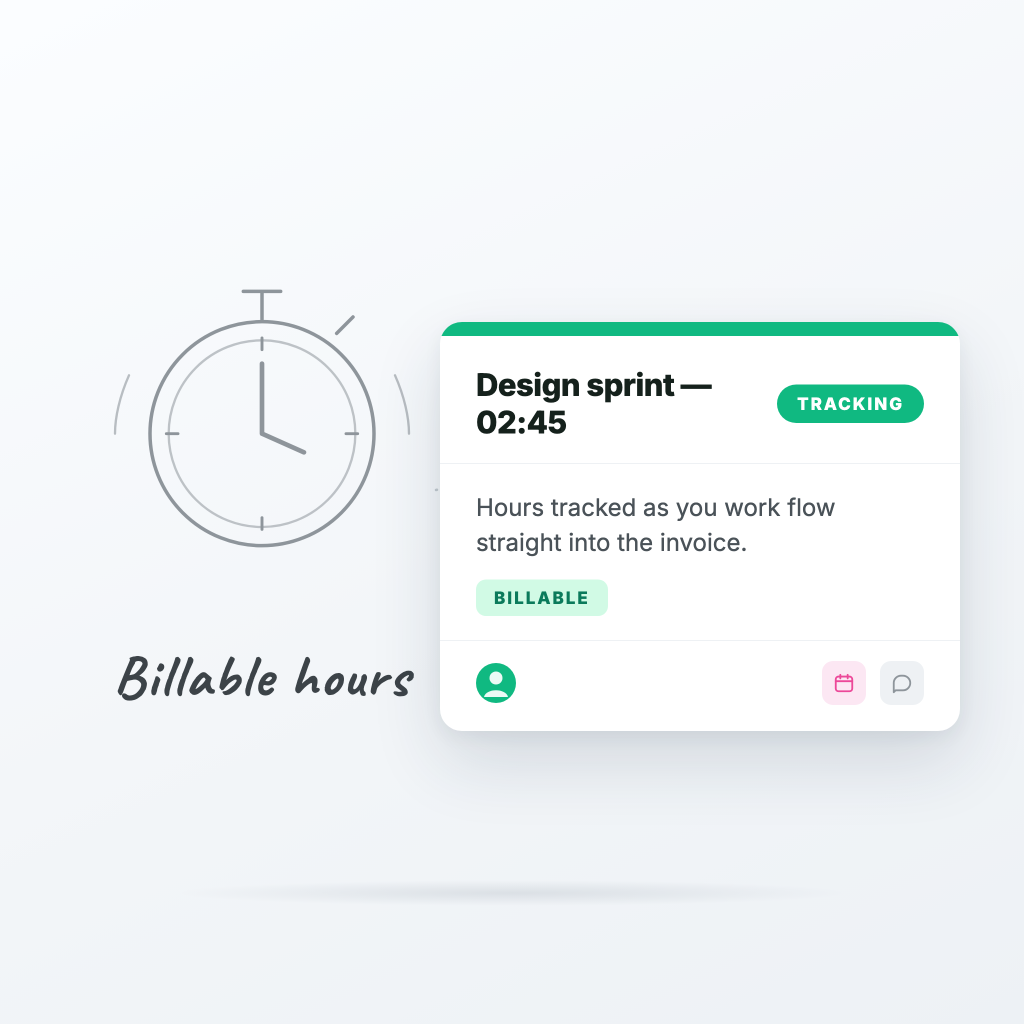
In ProTasks, every task has a timer built in. Start it when you start the task. Stop it when you're done. That's it.
- Per-task timers — one click to start, one to stop
- Multiple users can log time on the same task
- Optional notes and descriptions per log entry
- Estimated vs actual time, side by side
Because the timer is on the task itself, people actually use it.
What to do with the data
Time data only matters if you use it. Three ways we recommend:
1. Per-client weekly reports
Group by client. Compare against retainer hours. Spot scope creep before it eats your margin.
2. Estimate accuracy
Compare estimated to actual. Over time, your team's estimates get better — which means your quotes get better, which means your pricing gets better.
3. Workload balancing
Who logged 50 hours last week? Who logged 18? Time data tells you who's overloaded and who has capacity, in real numbers — not vibes.
A note for hourly billing
If you bill clients by the hour, this is where ProTasks becomes the most important tool in your stack. Every billable hour is captured against a task, against a board, against a client. Generating an invoice becomes a 5-minute job, not a 5-hour reconciliation.
Start small
Don't try to track everything immediately. Pick one client, start timers for one week, and see what the data tells you. You'll be surprised — usually in expensive ways.
Ready to try ProTasks?
Boards, client views, time tracking, and invoicing — free to start, no credit card required.
Start free