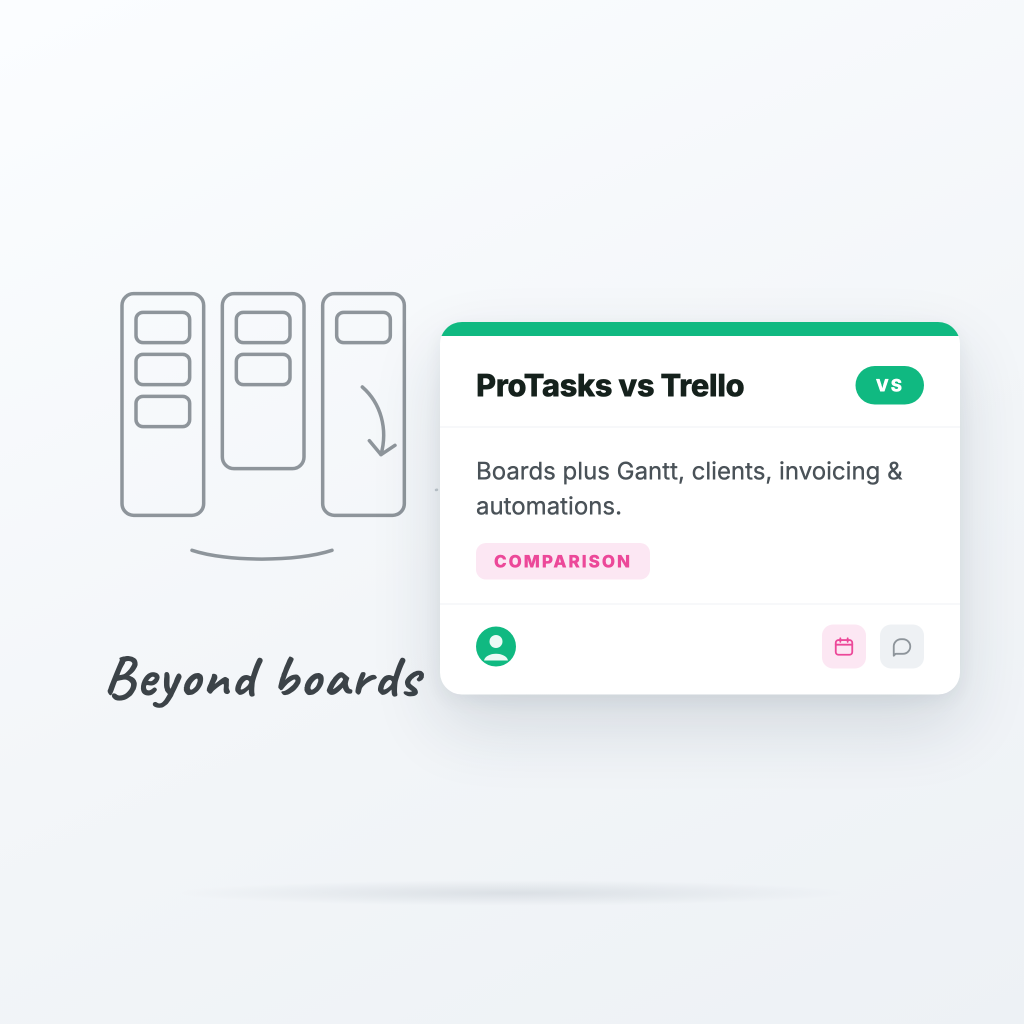
ProTasks vs Trello: when kanban boards aren't enough
Trello deserves real credit: it made kanban boards mainstream and it's still one of the easiest tools to pick up. But if you run client work — an agency, a studio, a freelance business — you've probably felt the ceiling.
Where Trello stops short
1. No built-in client view. Sharing progress with a client in Trello means inviting them to your board (and exposing everything) or exporting screenshots. ProTasks has white-labeled, read-only client links — your logo, your brand color, only the columns you choose to show.
2. Time tracking is a Power-Up, not a feature. In Trello you're stitching together third-party Power-Ups for timers and timesheets. ProTasks has timers on every task, per-person time reports, and one-click invoicing from logged hours.
3. Automations are capped. Butler is genuinely clever, but the free and standard tiers cap your automation runs. ProTasks includes unlimited board automations on paid plans — move, assign, label, notify — without counting runs.
4. One view per board. Trello is a board. ProTasks gives every board a kanban, list, and calendar view, plus a cross-board timeline (Gantt), sprints, and workload views.
Where Trello still wins
Honesty matters: if all you need is a personal to-do board or a lightweight family planner, Trello's free tier is excellent and you should use it. ProTasks is built for teams doing billable work.
The switch takes minutes
Our importer accepts Trello JSON exports and rebuilds your boards, lists, cards, labels, and due dates automatically. Most teams are fully migrated in under ten minutes.
Want the full feature-by-feature breakdown? See our ProTasks vs Trello comparison page — or start free and import your first board today.
Ready to try ProTasks?
Boards, client views, time tracking, and invoicing — free to start, no credit card required.
Start free