
The Client View: how to share progress without the awkward status meeting
Why status updates eat your week
If you work with external clients, you probably know this rhythm:
- Monday: client emails "any update?"
- Tuesday: you screenshot your board and write a recap
- Wednesday: client asks the same question on a different channel
- Thursday: you schedule a sync to talk about the work instead of doing it
- Friday: repeat
This isn't sustainable. It's also not necessary.
What the Client View does
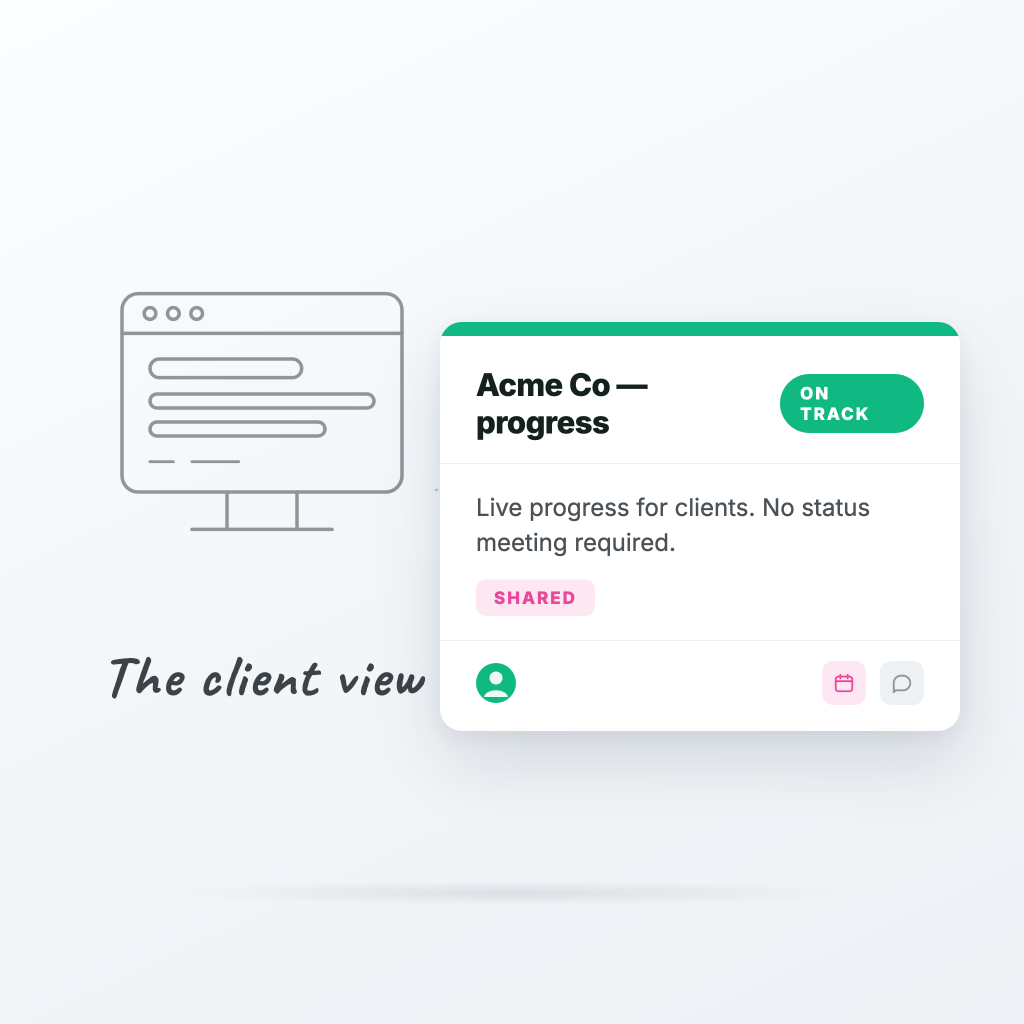
Every board in ProTasks can be turned into a shared client link — a clean, read-only view of the project that the client can open in their browser, no account required.
- They see what's in progress, what's done, and what's next
- You control which columns and fields they can see (hide internal stuff)
- They can approve work or request changes with a button
- Their feedback lands directly in your inbox
It's branded, fast, and looks like you spent weeks building it. (You didn't. It's one click.)
What to share, what to hide
A good client view is trustworthy but not overwhelming. Some rules of thumb:
- ✅ Share: task titles, status, due dates, owner (just the name)
- ✅ Share: progress bars and completed milestones
- ❌ Hide: internal notes, time logs, billing fields
- ❌ Hide: the "Blocked - waiting on client" column (use it internally though)
Mark custom fields as internal and they'll disappear from the client view automatically.
The result
Clients stop asking "any update?" because the answer is always one click away. Your team stops writing status emails. You replace half your meetings with a link.
And here's the surprise: clients actually like it more. They feel in control, you look organized, and the relationship gets healthier.
Try it on one client first
Don't roll this out across every account at once. Pick one client, set up their view, send the link, and see what happens. Most teams never go back.
Ready to try ProTasks?
Boards, client views, time tracking, and invoicing — free to start, no credit card required.
Start free