
Automations that actually save you time (with 6 ready-to-copy examples)
The busywork tax
Every team has a hidden tax: the dozens of tiny actions someone has to do every day to keep the project tracker accurate. Assigning tasks. Updating priorities. Nudging people. Notifying clients.
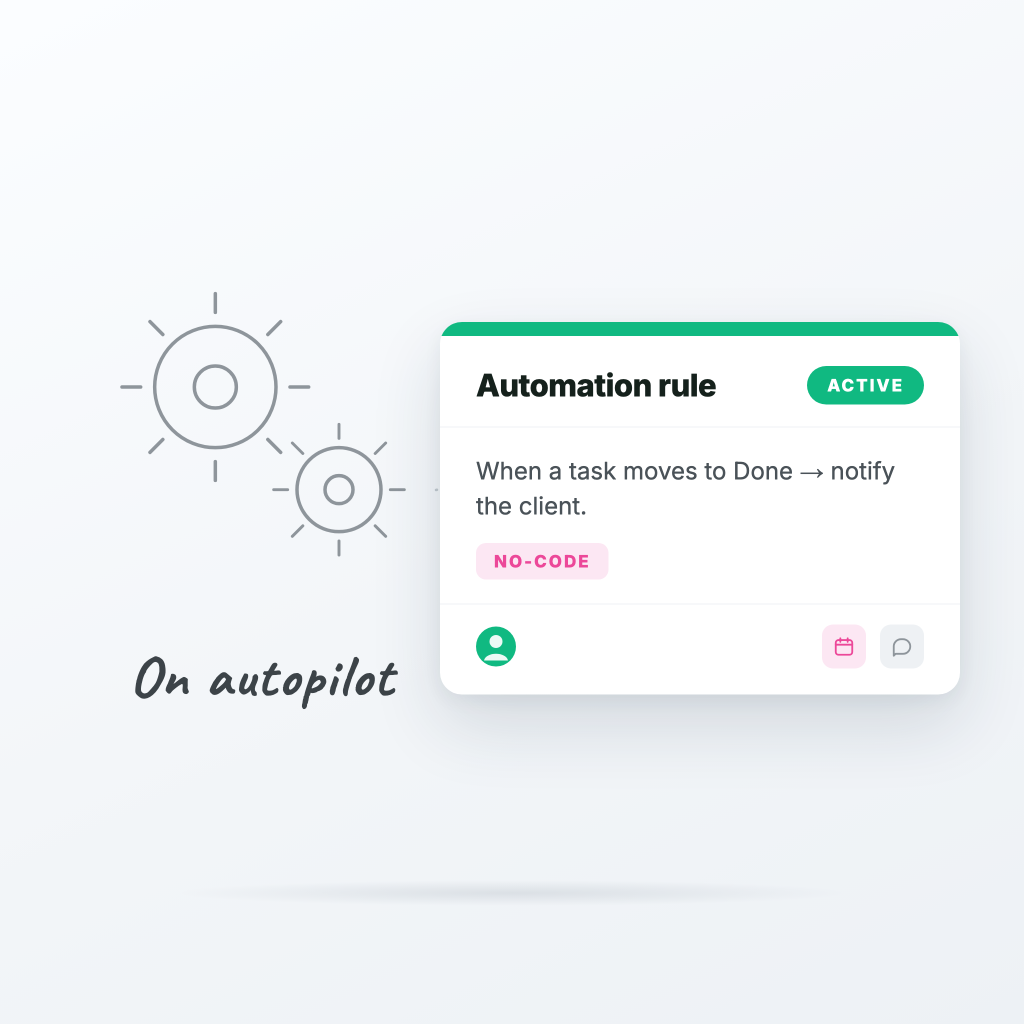
Automations are how you get that time back. Here are six rules we use every day.
1. Auto-assign new tasks by label
When a task is created with the label design → assign to the design lead.
No more "who owns this?" Slack threads.
2. Notify the assignee when priority becomes urgent
When a task's priority changes to urgent → notify the assignee on Slack.
Urgent tasks deserve urgent attention. This makes sure they get it.
3. Move blocked tasks automatically
When a task is marked as blocked → move to the "Blocked" column.
Keeps your active columns clean, so the team focuses on what's actually movable.
4. Reminder on approaching due dates
When a task's due date is 1 day away → notify the assignee.
Nobody likes a deadline that snuck up on them.
5. Auto-complete dependent tasks
When a task moves to Done → unblock dependent tasks.
For teams with multi-step handoffs, this keeps the pipeline flowing without manual cleanup.
6. Notify the channel when a milestone ships
When a task labeled milestone is marked complete → post to Slack channel.
Celebrate the wins. Keep stakeholders in the loop without writing status reports.
How to set them up
In ProTasks, head to any board → Settings → Automations → New rule. Pick a trigger, optionally add a condition, then pick an action. Save. Done.
We also ship pre-built templates so you don't have to start from scratch.
The compound effect
One automation saves you 30 seconds. Run it 50 times a week and that's 25 minutes back. Run it across a team of 10 and that's 4+ hours a week of pure busywork removed.
This is the kind of leverage that compounds.
Ready to try ProTasks?
Boards, client views, time tracking, and invoicing — free to start, no credit card required.
Start free